Channel Manager
One inventory. Every OTA. Zero overbooking.
Update availability and rates once and they reflect on Booking.com, Agoda, Expedia, Airbnb, Goibibo and MakeMyTrip in real time — so you sell every room and never oversell.
Syncs with every channel you already sell on
One inventory, synced in real time across every channel

 goibibomakemytrip+ any OTA
Using Brevistay or another channel? We connect any OTA within 24 hours — just ask.
What a channel manager actually does for your hotel
A channel manager keeps one inventory in sync across every place you sell. When a room goes on Booking.com, Agoda, Expedia, Airbnb, Goibibo or MakeMyTrip, the sale registers everywhere at once, so the last room can't be sold twice.
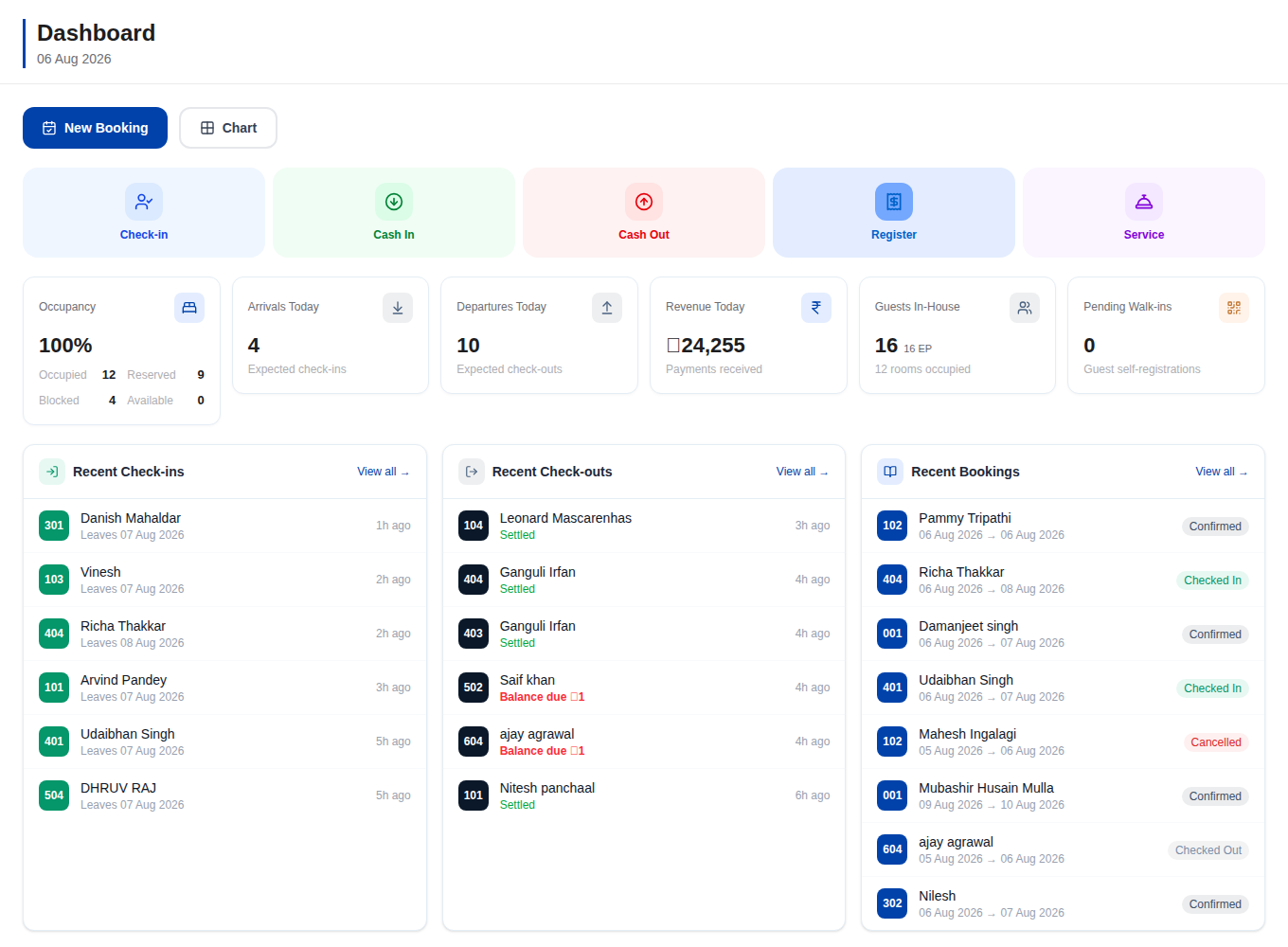
Instead of logging into six extranets to change a rate or close out a date, you do it once in Galaxy and the update reflects on every channel in real time. That single change is the whole point: fewer manual edits, fewer mistakes, and no more calling a guest to cancel because two OTAs sold the same night. It also pulls every new reservation into one booking chart, so your front desk sees direct, walk-in and OTA bookings from every channel on one screen.
Two-way sync and overbooking protection, explained
Two-way means information flows both ways. Galaxy pushes your rates and availability out to the OTAs, and pulls their confirmations, modifications and cancellations back in. The moment a booking lands, availability drops everywhere it's listed.
Overbooking usually happens in the gap between a sale and a manual update. Galaxy closes that gap because the update is automatic and instant. If you sell rooms as part of multi-room bookings, each room is counted individually, so a two-room folio removes exactly two rooms from the pool. Pair it with demand-based rate plans and you're not just avoiding oversell, you're pricing every night to fill. Already listed somewhere new? Any OTA can be connected within 24 hours.
Getting started and connecting your OTAs
Connecting an existing OTA is a mapping exercise, not a rebuild. You match your Galaxy room types and rate plans to the ones already set up on each channel, confirm the rates look right, and switch sync on. Popular channels like Booking.com and Agoda connect quickly, and Indian channels like Goibibo are supported natively.
You keep your existing OTA contracts and listings exactly as they are. Galaxy sits on top and manages the sync. Your first 3 months are free, so you can bring your channels across and watch the overbooking calls stop before you pay anything.
One system, not five tools
Bookings, channels, billing and guests — the parts you need, working together.
Real-time channel manager
One inventory, every OTA. Sell the same room on Booking.com, Agoda, Expedia, Airbnb, Goibibo & MakeMyTrip and never oversell — availability syncs the instant a booking lands.
Rate & revenue management
Season/day rate plans, per-OTA pricing, meal plans and one-click rate push to every channel — plus occupancy and revenue insights.
Booking chart & front desk
A drag-and-drop calendar for the whole property — new bookings, room moves, check-in/out, holding space and overbooking alerts at a glance.
Folios, GST invoices & payments
Per-room folios, split & multi-room bills, POS charges, GST-ready invoices and payment tracking — the full guest ledger in one place.
FAQ
Channel Manager — questions hotel owners ask
Will a channel manager stop overbooking completely?
It removes the main cause: the delay between a sale and a manual update. Because availability drops on every channel the instant a booking lands, there's no window for two OTAs to sell the same room. Multi-room bookings are counted room by room, so the pool is always accurate.
Do I keep my existing OTA accounts?
Yes. You keep every contract, listing and review you already have. Galaxy connects to your existing Booking.com, Agoda, Expedia, Airbnb, Goibibo and MakeMyTrip accounts and manages the sync on top of them. Nothing about your OTA relationships changes.
How long does it take to go live?
Most properties map their room types and rate plans and switch sync on the same day. Any OTA you list on can be connected within 24 hours. There's no server to install because Galaxy runs in the cloud.
How much does it cost to start?
Your first 3 months are free, with no card required. It's a genuine trial of the full channel manager, not a limited demo, so you can move your channels across and see the difference before paying anything.
Explore more

Stop juggling. Start hosting.
Manage bookings and inventory from every source in one software. Your first 3 months are free — no credit card, cancel anytime.
No credit card · Set up in a day · Cancel anytime